Upflow is worth it for a business with millions in invoiced revenue a year that wants collection analytics, unlimited seats and AI agents, and that accepts a quoted price. The last published prices were $440 a month for Grow and $880 a month for Scale. Current prices are hidden and must be requested, because every plan is now quote-only and set by gross invoice value.
It is harder to justify for a small business with few late invoices that wants a published monthly price. It is also a poor fit for a team that wants to edit invoices in the collections tool, because Upflow’s Xero sync runs one way.
In short
- Price: last published at $440 a month for Grow and $880 for Scale. Current prices are hidden and must be requested.
- Rating: 4.8 from 235 reviews on G2 and 4.5 from 15 on Capterra.
- Trial: 14 days free on the Xero App Store listing, with no card details. The pricing page states no trial.
- Main limits: one-way Xero sync, reminders on weekdays only, and QuickBooks payments that always post to Undeposited Funds.
- Alternative: Paidnice from £49 (US$69) a month, priced by invoice volume.
Is Upflow worth it for collection analytics?
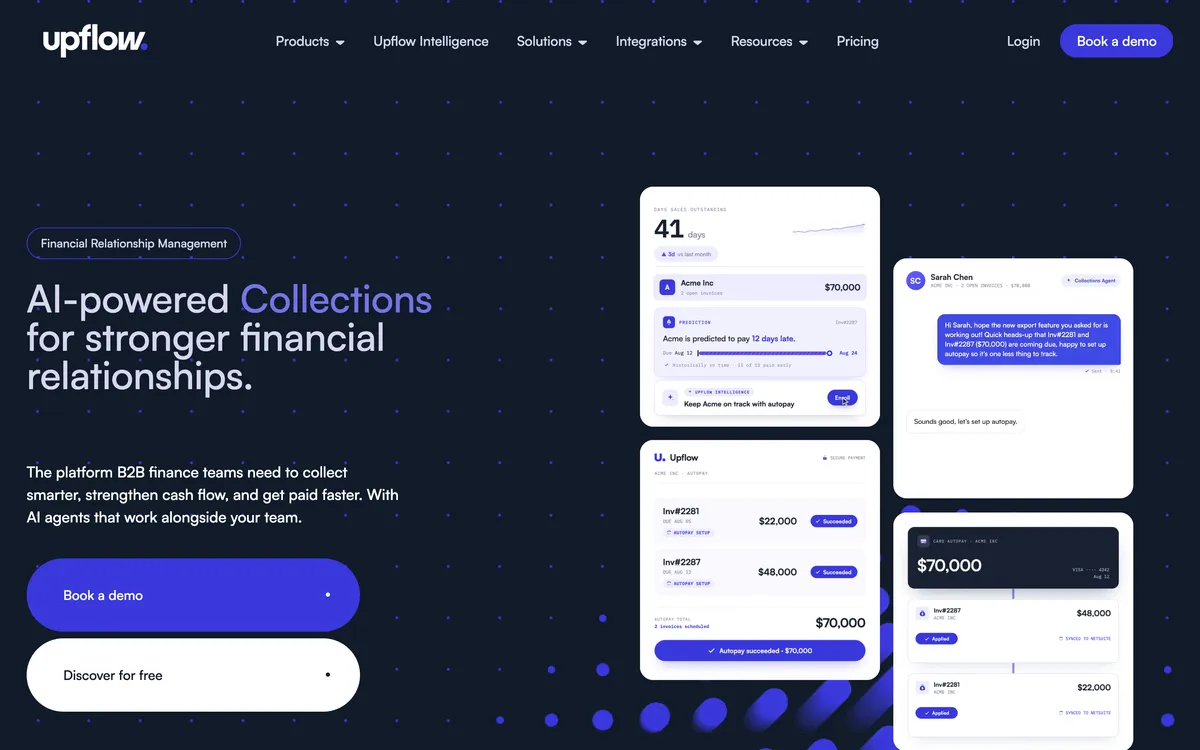
Upflow is a collections platform built around analytics. Every plan includes unlimited user seats, the higher plans add AI agents and CRM sync, and its G2 rating of 4.8 comes from 235 reviews. For a finance team with high invoice volume, the price buys a full receivables workspace.
Upflow is worth it for some buyers and not others. The table shows when the price makes sense and when it does not.
| Upflow is worth it if | Upflow is harder to justify if |
|---|---|
| You want collection analytics for a large finance team with no seat fees | You want a published monthly price before you talk to sales |
| You want AI agents for collections and cash application on the higher plans | You want to edit invoices and customers in the tool and send the change back to Xero |
| You run several entities and want multi-entity dashboards | You want reminders to go out at weekends |
| You want card and ACH payments collected through Upflow | You use QuickBooks Online and want payments to post to an account other than Undeposited Funds |
What does Upflow cost?
Upflow sets the plan by annual invoiced revenue and the number of new invoices a year. You move to the next plan when you cross either limit.
| Plan | Last published price | Annual invoiced revenue | New invoices a year | What it adds |
|---|---|---|---|---|
| Discover | Free | Any | Not stated | AR analytics only, no reminders |
| Starter | Quote only | Up to $10M | Up to 40,000 | Unlimited seats, Gmail 2-way sync, email, SMS, call and letter reminders |
| Grow | $440 a month | Up to $25M | Up to 100,000 | Branded customer portals, Slack, REST API, multi-entity dashboards |
| Scale | $880 a month | Up to $50M | Up to 200,000 | Smart Rules, HubSpot 2-way sync, Collections Agent, AP Portal Agent |
| Accelerate | Quote only | Up to $100M | Up to 300,000 | Cash Application Agent, Salesforce 2-way sync, enterprise SSO |
| Enterprise | Quote only | Over $100M | Up to 700,000 | All four AI agents |
Current prices are hidden. Each paid plan on Upflow’s page says "Ask for a quote", so treat the last published figures as a planning range and get a written quote.
Upflow Payments is a separate add-on for card and ACH payments. It has a platform fee of $390 a month, plus 3.5% and $0.30 for each card payment and 0.8% capped at $5 for each ACH payment. Upflow also sells Payments Lite, which uses your own payment gateway for a fee set on quote.
Source: Upflow’s pricing page. The $440 and $880 figures are the last prices Upflow published before it moved to quotes. Full detail in Upflow pricing.
What do you get for the money?
Every plan includes the same reminder channels and unlimited seats. The higher plans add entities, integrations, AI agents and account support.
- Unlimited seats. Upflow charges no seat fees on any plan, so a larger finance team does not change the price.
- Four reminder channels. Starter includes email, SMS, call and letter reminders. Automatic sends cover email, SMS and letters.
- Gmail 2-way sync. Reminder emails and replies sync with Gmail from Starter.
- Customer portals and multi-entity dashboards. Grow adds branded portals, Slack, a REST API and dashboards for 2 entities. Scale and above allow unlimited entities.
- AI agents. The Insights Agent comes on all plans. The Collections Agent and AP Portal Agent start on Scale, and the Cash Application Agent on Accelerate.
- Free analytics. Discover gives AR visibility at no cost, with no reminders or collection automation.
What do Upflow’s users say?
Upflow’s ratings are high on the review sites with a useful number of reviews.
| Site | Rating | Reviews |
|---|---|---|
| G2 | 4.8 | 235 |
| Capterra | 4.5 | 15 |
| Xero App Store | 5.0 | 1 |
One review on the Xero App Store is too few to read as a signal. A high G2 rating tells you that Upflow does what it promises for the teams that chose it. It does not tell you whether a quoted price fits your business.
What are Upflow’s limits?
Upflow’s own help centre and pricing page state these limits. Check each one against how you chase before you buy.
- Xero sync runs one way. Data moves from Xero to Upflow only. To change an invoice or a customer, you edit it in Xero (Upflow help centre).
- Reminders send on weekdays only. Automatic actions go out Monday to Friday, once a day, at 8:30 AM by default (Upflow help centre).
- QuickBooks payments post to Undeposited Funds. Each payment Upflow writes back to QuickBooks Online always lands in the standard Undeposited Funds account (Upflow help centre).
- QuickBooks sync is one way too. The only exception is payment write-back. New data from QuickBooks syncs every 5 minutes (Upflow help centre).
- AI agents depend on the plan. The Collections Agent starts on Scale and the Cash Application Agent on Accelerate. Agent access is "subject to plan availability and fair usage" (Upflow pricing page).
- No published price. Every paid plan says "Ask for a quote", so you cannot compare Upflow on price until you speak to sales (Upflow pricing page).
Is Upflow worth it for a small business?
Upflow is hard to justify for most small businesses. Its plans start at up to $10M in invoiced revenue, and Grow's last published price of $440 a month is $5,280 a year.
A small business with few late invoices pays for analytics and AI agents it may not use. Start with the reminders built into Xero or QuickBooks Online, or use Discover for free analytics. Move to a paid tool when chasing takes real time each week.
What are the alternatives to Upflow?
These tools publish a price and suit a business that finds Upflow’s quote-only plans or one-way sync a poor fit.
1. Paidnice

Best for: A Xero or QuickBooks Online business that wants a late fee or interest policy for each customer group, priced by invoice volume.
- Entry cost
- £49 (US$69) a month on Essentials for up to 150 invoices a month. Pro starts at £74 (US$99) a month with unlimited users. No contract.
- Rated
- 5.0 from 84 reviews on the Xero App Store.
Limitations with Paidnice. It connects to Xero and QuickBooks Online on every plan. Newer ledgers such as Rillet, Campfire, Digits, DualEntry, Puzzle, Accounting Seed and Odoo are available on every plan through its closed testing program. Sage Accounting and other ERPs connect on the Custom plan, and it does not support desktop ledgers such as Sage 50.
2. Chaser

Best for: A business that wants email, SMS, letters and automated calls in one tool, priced by company revenue.
- Entry cost
- £199 a month on Compact for revenue under £4m, or £179 on yearly billing. Above £4m a team is on Core from £599.
- Rated
- 4.98 from 374 reviews on the Xero App Store.
Limitations with Chaser. One set of late-fee rules, across the account or for selected debtors, not tied to schedules, and no fee is raised on payment-plan or partially paid invoices. Compact caps the team at four users.
3. Kolleno

Best for: A business that wants a payment portal, with cash application on the quoted Enterprise plan.
- Entry cost
- $650 per user a month on BusinessPay, or $545 on annual billing, for turnover under £1m.
- Rated
- 4.9 from 117 reviews on G2.
Limitations with Kolleno. No late fee or interest feature appears anywhere in its public materials. Kolleno matches payments to invoices (auto-reconciliation) on Enterprise only, by quote; BusinessPay does not include it. Per-user pricing starts at $650 a month on a 24-month default term.
For a full comparison, see the best Upflow alternatives and Upflow vs Paidnice.
Common questions
Is Upflow worth it?
Upflow is worth it for a business with millions in invoiced revenue that wants collection analytics, unlimited seats and AI agents. The last published prices were $440 a month for Grow and $880 for Scale. Current prices are hidden and must be requested. It is harder to justify for a small business that wants a published price.
How much does Upflow cost?
Upflow last published $440 a month for Grow and $880 a month for Scale. Every paid plan is now quote-only and set by gross invoice value, so current prices are hidden and must be requested. The Discover analytics tier is free, and Upflow Payments adds a $390 monthly platform fee plus transaction fees.
Does Upflow have a free trial?
Upflow’s Xero App Store listing offers a 14-day free trial with no card details needed. Its pricing page states no trial for the paid plans. The free Discover tier gives analytics only.
Is Upflow good for small businesses?
Upflow suits larger finance teams more than small businesses. Its plans start at up to $10M in invoiced revenue, and Grow was last published at $440 a month. A small business with few late invoices can start with the reminders built into Xero or QuickBooks Online.
What are the downsides of Upflow?
Upflow’s help centre lists these limits: Xero sync runs one way, reminders send on weekdays only, and QuickBooks payments always post to Undeposited Funds. Prices are hidden, the Collections Agent starts only on Scale, and the Cash Application Agent starts only on Accelerate.
What is a cheaper alternative to Upflow?
Paidnice costs £49 (US$69) a month for up to 150 invoices a month, priced by invoice volume. Chaser costs £199 a month on Compact for revenue under £4m. Kolleno costs $650 per user a month on BusinessPay.
To see where this tool sits in the wider market, the credit control software guide compares six tools on price, free trial, ledger and limits.
People also read
Sources
5 sources, checked by Julie Turnbridge on November 3, 2026
- Capterra capterra.com/p/193097/Upflow
- G2 g2.com/products/upflow-upflow/reviews
- Xero App Store apps.xero.com/uk/app/upflow
- Xero App Store apps.xero.com/uk/app/paidnice
- G2 g2.com/products/kolleno/reviews